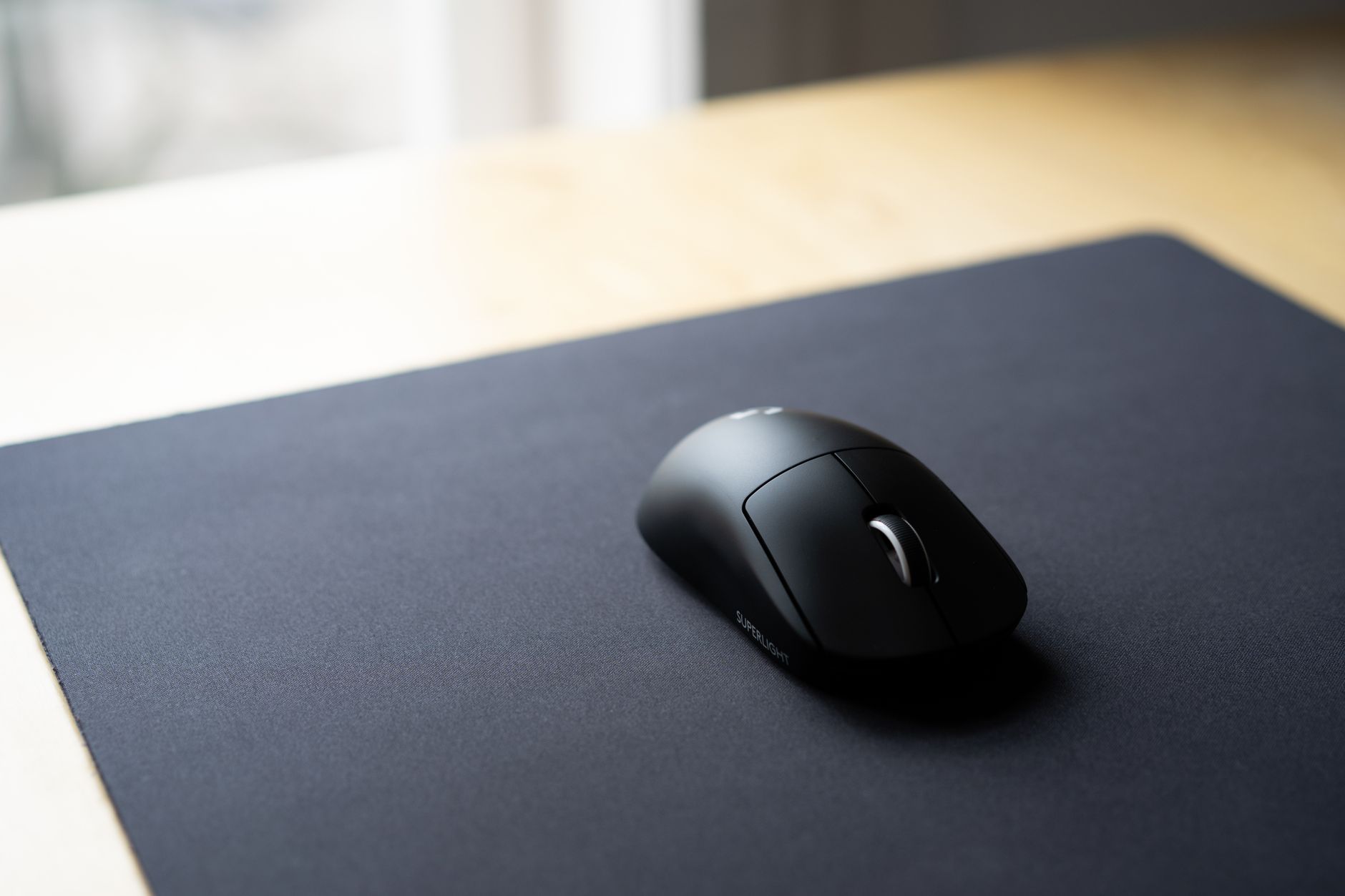
Crushing the Competition: G Pro X Superlight 2 Features Explained & Pro Tips for Dominance
The Logitech G Pro X Superlight 2 isn't just another gaming mouse; it's a meticulously engineered weapon designed for players who demand absolute peak performance. Its core strength lies in its HERO 25K sensor, offering unparalleled precision and a staggering 32,000 DPI. This isn't just about high numbers; it translates to incredibly accurate tracking, crucial for flick shots and pixel-perfect targeting in fast-paced competitive titles. Furthermore, the Superlight 2 boasts LIGHTSPEED wireless technology, delivering a virtually lag-free experience that rivals wired connections. Forget about frustrating disconnects or input delays; this mouse ensures your every movement is registered instantly, giving you a tangible edge over your opponents. The hybrid optical-mechanical switches provide a satisfyingly crisp click with exceptional durability, meaning your primary input device won't falter when the pressure is on.
"In competitive gaming, every millisecond and every micron of movement counts. The G Pro X Superlight 2 is built to optimize both."
Beyond its raw specifications, dominating with the G Pro X Superlight 2 involves leveraging its subtle yet impactful features and adopting smart practices. Consider its feather-light 60-gram design; this isn't just about comfort, but about reducing fatigue during extended gaming sessions and enabling incredibly quick, unencumbered movements. Pro players often utilize the customizable buttons via the G HUB software to bind crucial in-game actions, creating a more intuitive and responsive control scheme. For true dominance, focus on:
- Optimizing DPI and sensitivity settings: Find the sweet spot for your playstyle and game.
- Maintaining a clean mousepad: Ensure flawless sensor tracking.
- Practicing aim routines: Consistently hone your muscle memory with the mouse.
By understanding these nuances, you're not just using a great mouse; you're wielding a tool designed for victory.
Beyond the Specs: Your G Pro X Superlight 2 FAQ Answered & Advanced Techniques from the Pros
The Logitech G Pro X Superlight 2 is more than just a list of impressive specifications; it's a meticulously engineered tool designed to elevate your gaming performance. While its HERO 2 sensor and incredibly low weight are undoubtedly central to its appeal, understanding the nuances of its design and how professional players leverage it can unlock its true potential. This section delves into the most frequently asked questions beyond the marketing bullet points, addressing concerns about battery life in competitive scenarios, the impact of its PTFE feet on different mousepads, and the subtle differences in click feel compared to its predecessor. We'll explore how these seemingly minor details contribute to a superior gaming experience, helping you make an informed decision and get the most out of your investment.
Beyond the fundamental FAQs, we’ll dive into advanced techniques and pro tips that can transform your Superlight 2 from a great mouse into an extension of your will. Pro gamers don't just use high-end gear; they optimize it. We'll uncover strategies like:
- Customizing DPI steps for specific in-game situations: How to set up on-the-fly adjustments for sniping vs. close-quarters combat.
- Optimizing polling rates for different game engines: Understanding the trade-offs between 1000Hz and 2000Hz.
- Grip style modifications for enhanced precision: The subtle art of fingertip, claw, and palm grip synergy with the Superlight 2's form factor.